

Version 1.70 for Linux - Element Library, SVG Properties, and Pixel-Align Selection
Axialis IconVectors 1.70 is now available for Linux x64. With this release the full 1.70 feature set ships on all three desktop platforms - Windows, macOS, and Linux: a practical Element Library for reusable SVG artwork, a new SVG Properties dialog for document-level output settings, and Pixel-Align Selection for one-click pixel-grid cleanup of selected artwork.
Linux users can install the latest DEB package from the download page. The download URL is unchanged - the same package location now serves the 1.70 build.
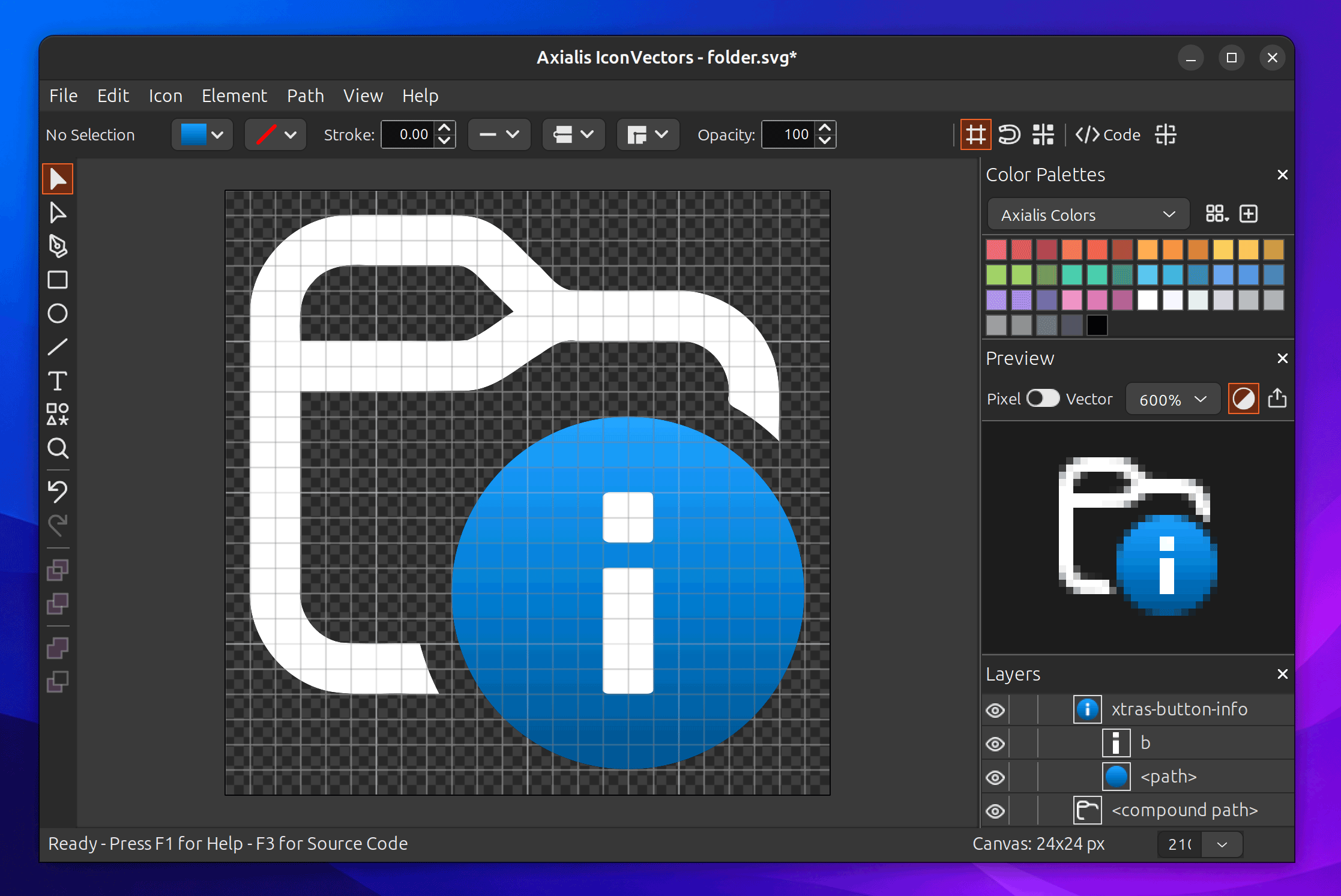
What's new in 1.70 for Linux
- Element Library - Insert ready-to-use SVG elements from a disk-backed library. Direct subfolders become palette tabs, optional
linefolders provide line variants, and you can add your own custom SVG files. - SVG Properties - Edit document-level SVG output properties from Icon -> SVG Properties..., including output size, root id, title, description, and
preserveAspectRatio. The editor canvas continues to use the SVGviewBox. - Pixel-Align Selection - Align selected artwork to the pixel grid in one step from Element -> Align -> Pixel-Align Selection or the Control Bar, with conservative handling for complex curves and transformed artwork.
- Editor keyboard shortcuts - Canvas-focused shortcuts speed up common work: cycle line caps and line joins, toggle smooth or angle points in the Path Editor, and run Pixel-Align Selection. See the keyboard shortcuts reference for the full list.
- Temporary tool switching - Hold the modifier key to temporarily switch between the Selection Tool and Path Editor Tool, then release it to return to the previous tool.
- Bug fixes and improvements - Several editing, update, import, export, and workflow details have been improved.
Reusable elements you can customize
The Element Library is designed for quick insertion of common shapes, symbols, and custom team artwork. It loads from your local Element Library folder, so teams can organize their own SVG files into folders and reuse them directly from the editor. Imported elements stay normal editable SVG artwork: explicit colors, gradients, strokes, caps, joins, and dash styles are preserved, and elements that use currentColor can still inherit the current fill or stroke.
Better SVG output control
The SVG Properties dialog separates the editing canvas from the output dimensions. You can keep editing a 24x24 viewBox while saving explicit root dimensions such as width="128" and height="128" when that is what your target platform expects.
Pixel-perfect cleanup
Pixel-Align Selection is a one-click correction command, not a snap-to-grid mode. It is especially useful after scaling line artwork, inserting line elements, or refining icons that need crisp edges at small sizes. Complex and curved artwork is handled conservatively to avoid damaging the drawing.
Linux package notes
The Linux build targets Ubuntu 24.04 LTS or later and is distributed as a DEB package. After installation, the IconVectors application and MCP helper are available from the packaged Linux install, with the helper typically exposed as /usr/bin/IconVectorsMcp. The same SVG-focused workflow is available on Linux: clean imported or AI-generated icons, inspect geometry, apply focused styling, preview results, and export code or files for development workflows.
Install the Linux build
Download the DEB package and install it on Ubuntu 24.04 LTS or later, then launch IconVectors from your applications menu. The download URL is the same as before - it now delivers the 1.70 build.