

2026
February
12
Version 1.30 for Windows & macOS — Software Update
We’re excited to announce Axialis IconVectors 1.30, a major update focused on developer workflows: new code targets (WPF Geometry, VectorDrawable, SwiftUI), smarter palette workflows, layer locking, and smoother editing with GPU acceleration.
Update to version 1.30
- If automatic updates are enabled in Preferences (F2), the application will download and install the new version the next time you launch it.
- Otherwise, choose Help → Check for Updates and confirm when prompted to start the update process.
- Let the updater complete. The application will restart automatically with the latest version installed.
Available for Download as 30‑Day Free Trial
IconVectors runs natively on Windows (32‑bit & 64‑bit) and macOS. Download the full‑featured app and try every tool for 30 days:
What’s New in 1.30
- WPF Geometry — New code generation target for compact WPF geometry data.
- VectorDrawable — New Android VectorDrawable XML code generation target.
- SwiftUI — New SwiftUI code generation target for native Apple UI workflows.
- Recolor Icon — Recolor the whole icon using only colors from the selected palette by nearest-color matching.
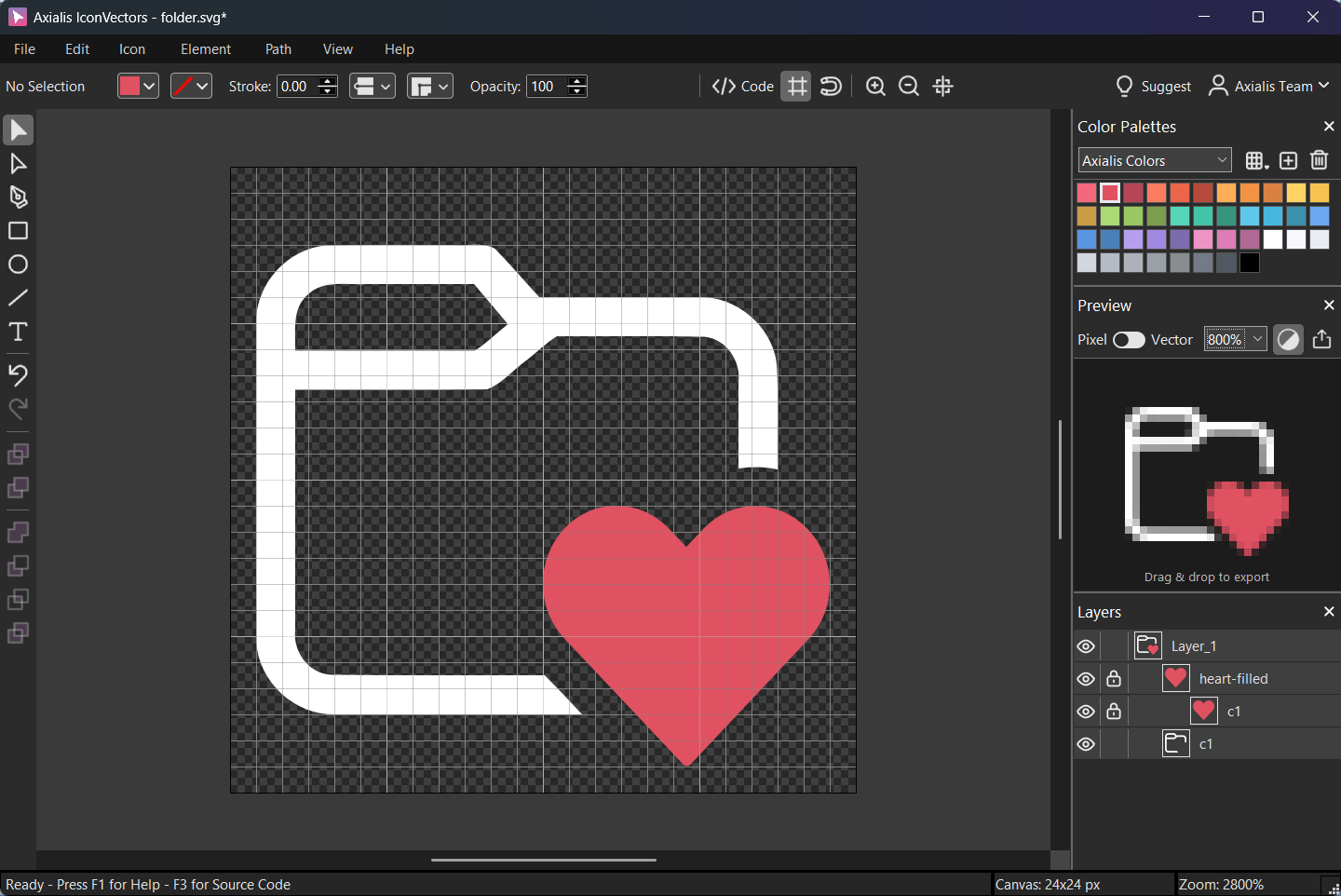
- Lock Layers — Lock/unlock elements and groups directly in the Layers panel, with hierarchy-aware behavior.
- GPU Acceleration — Faster and smoother rendering on complex documents.
- Auto-center Canvas — Optional automatic recentering on main window resize and Focus Mode toggle.
- Focus Mode — Quickly hide interface panels/toolbars for distraction-free editing, with keyboard and menu toggle support.
More Information & Support
Explore the full online documentation or post your suggestions and bug reports via our Support page.